Describe it.
Build your idea.
You say what it should do. The assistant writes the BASIC, you read it line by line, and the exact same code runs in the simulator and on the chip.
Want to keep up?
Get new missions, supported-board updates and project news by email.
Makers get stuck on the wiring.
You've got the idea. Then you drown in pins, resistors and datasheets, and the project never ships. Text to Chip raises the level: you say WHAT the machine should do, not how it's wired.
Same code,
simulator and chip.
The exact same bytecode runs in the in-browser simulator AND on the chip's VM. What you test is exactly what you ship. No duplication, no surprises.
How it works. In three levels.
Say it in plain words.
Describe what you want the chip to do. The assistant turns your intent into BASIC, and the compiler in the browser verifies every line, instantly.
See every line.
The generated code is always readable, always editable. A @cfg comment turns any number into a slider. You never run a black box.
20 WAIT 4s : REM @cfg red 1..10
30 IF BUTTON("A") THEN LED green, on
40 GOTO 10
Runs on the chip.
Two layers, by design: your program is bytecode, the same code in the simulator and on the chip with no reflash. The rich behaviors (motors, sensors, NPU) are native C++ libraries it calls. Agility where you iterate, native power where it matters.
SET 4 1
WAIT 500
JMP 1
A mission is
a program.
No blocks to stack: a mission is one complete, readable program. An always-listening loop that reacts to buttons, sensors and your voice. Ask the assistant for one, pick one from the library, or write it line by line.
the code IS the config panel: @cfg turns a line into a slider
Talk to your robot.
No cloud.
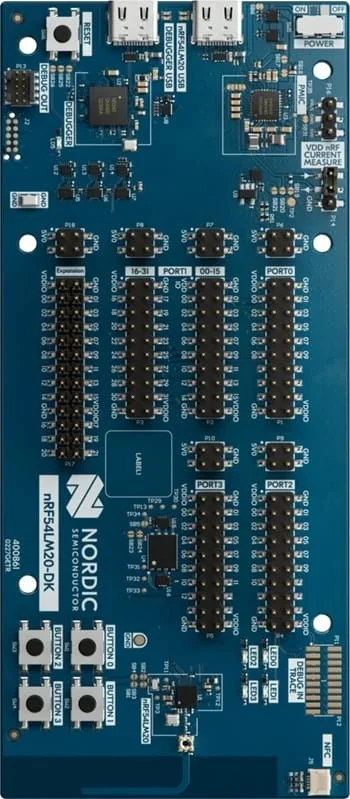
IF VOICE()="go". That's the whole API. On the Nordic nRF54LM20 DK it runs on real hardware today: a spoken command turns the robot's wheels, and the speech model runs on the Axon NPU on-device, offline. The same primitive works in the simulator and on the ESP32-S3.
Zephyr.
One language, every chip.
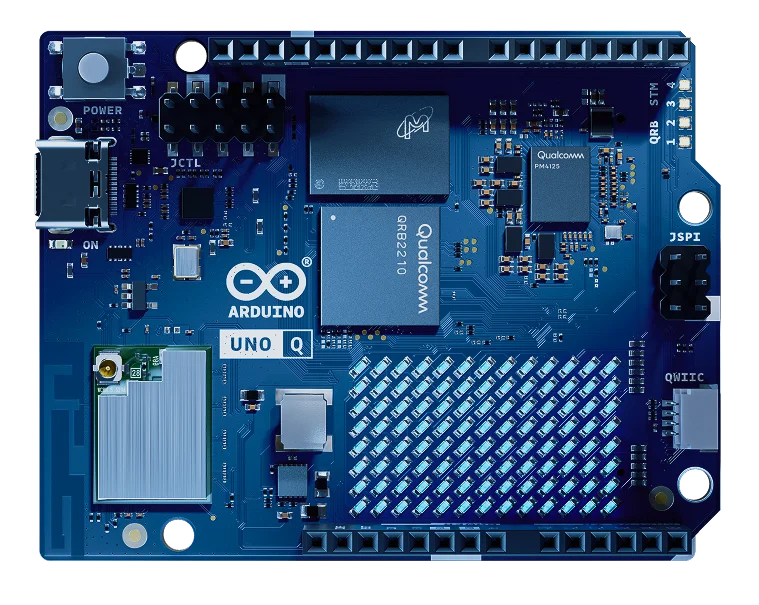
The Chip BASIC runtime runs on Zephyr RTOS. You're never tied to a vendor: add a chip to the build system and your programs already work.
Questions,
answered.
What is Text to Chip?
Text to Chip is a free browser IDE that turns plain language into a real microcontroller program. You describe what you want, the assistant writes readable Chip BASIC, the browser compiles it to bytecode, and the exact same bytecode runs in the built-in simulator and on an ESP32-S3 over USB. Nothing to install.
Do I need hardware to start?
No. The in-browser simulator runs the same bytecode as the real board — LEDs, buzzer, button, sensors, even a robot — so you can build, run and share complete projects with no hardware at all. When you get the board, the same program runs on it unchanged.
Which boards does it support?
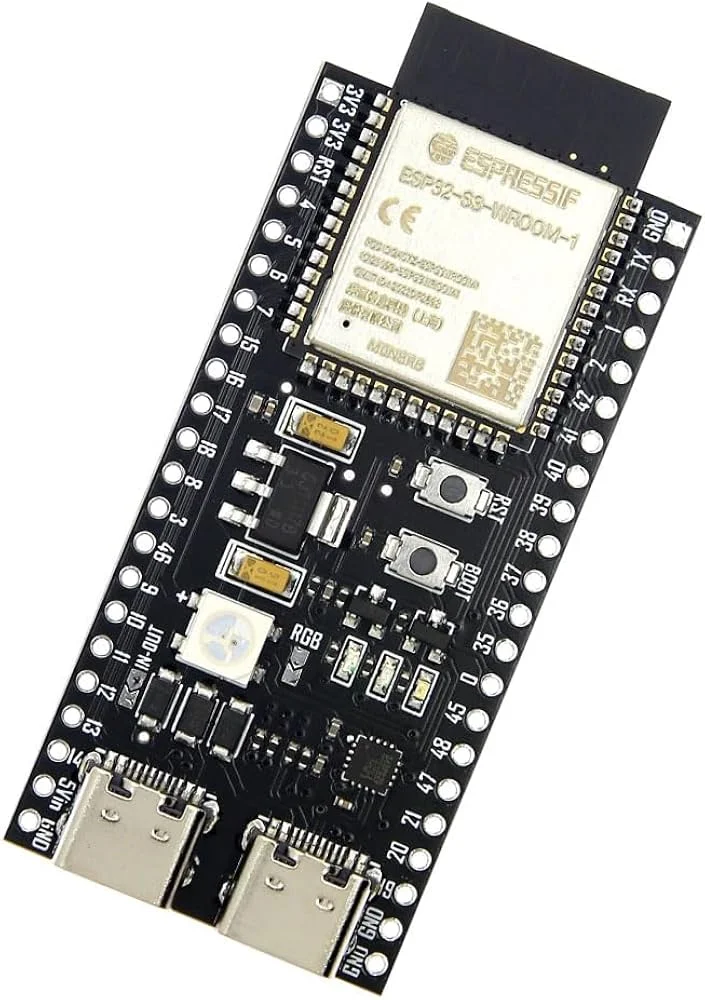
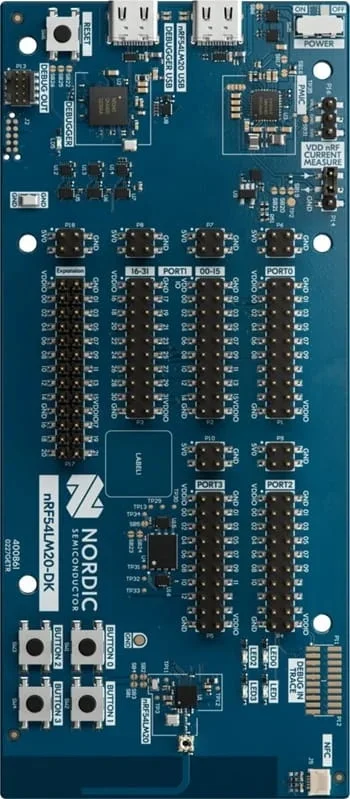
The Espressif ESP32-S3 (a devkit costs around €20) runs the full product today. The Nordic nRF54LM20 DK adds the edge-AI tier: on-device voice commands and camera vision. The runtime is built on Zephyr RTOS, so a new board is a port, not a rewrite.
How is it different from Arduino or block coding?
With the Arduino IDE you manage the toolchain, libraries and C++ yourself; with block editors (Scratch, MakeCode) you stack opaque blocks. Text to Chip sits in between: real, readable text code — a small BASIC — with no toolchain, because the compiler and simulator live in the browser and flashing happens over Web Serial. Honest limits: it needs a Chromium browser (Chrome, Edge, Brave) and the language is deliberately small.
How much does it cost?
The IDE, the simulator and the AI assistant are free. Hardware is bought once: every program generates its exact shopping list with indicative prices — typically around €20 for the board plus a few euros of parts.
Does the voice AI need the cloud?
No. Voice keyword recognition runs on the chip itself (an int8 TensorFlow Lite Micro model; on Nordic chips, the Axon NPU). After flashing, the board needs no PC and no internet: SAVE stores the program in flash and it runs on its own at every power-up.
"An idea is enough to start.
Text to Chip guides you to a real machine,
and every line stays yours."
Idea. Build. Yours.